
How can I set a default staff or location on a form?
- From your Boast account, go to the Forms tab and find the form you would like to edit, or add a new one. Click "Build" underneath the Form you'd like to edit.
- Add a staff or location field.
- Click on the field to edit it.
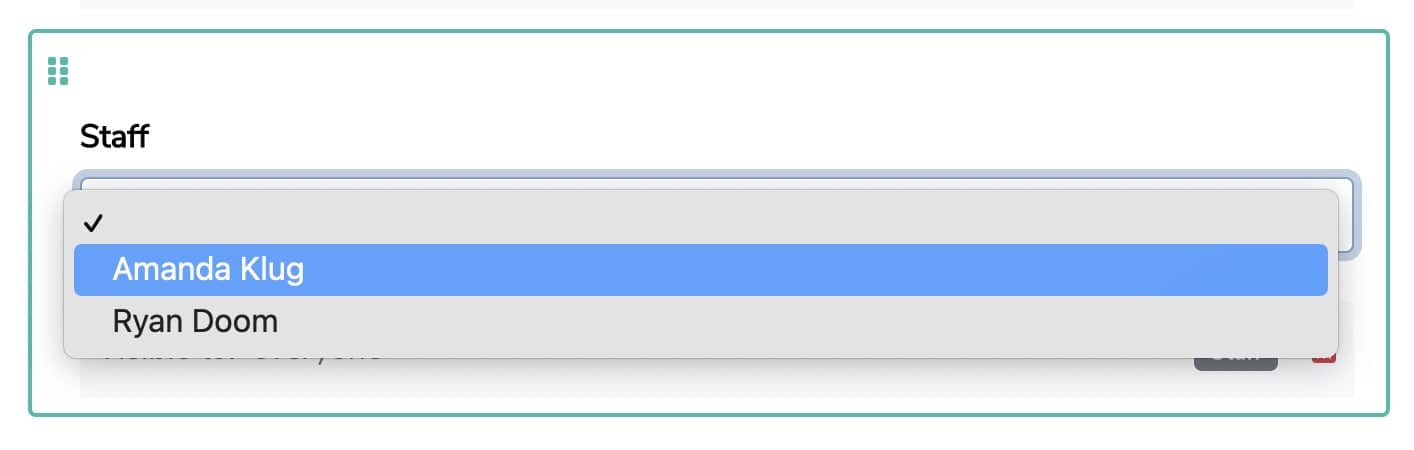
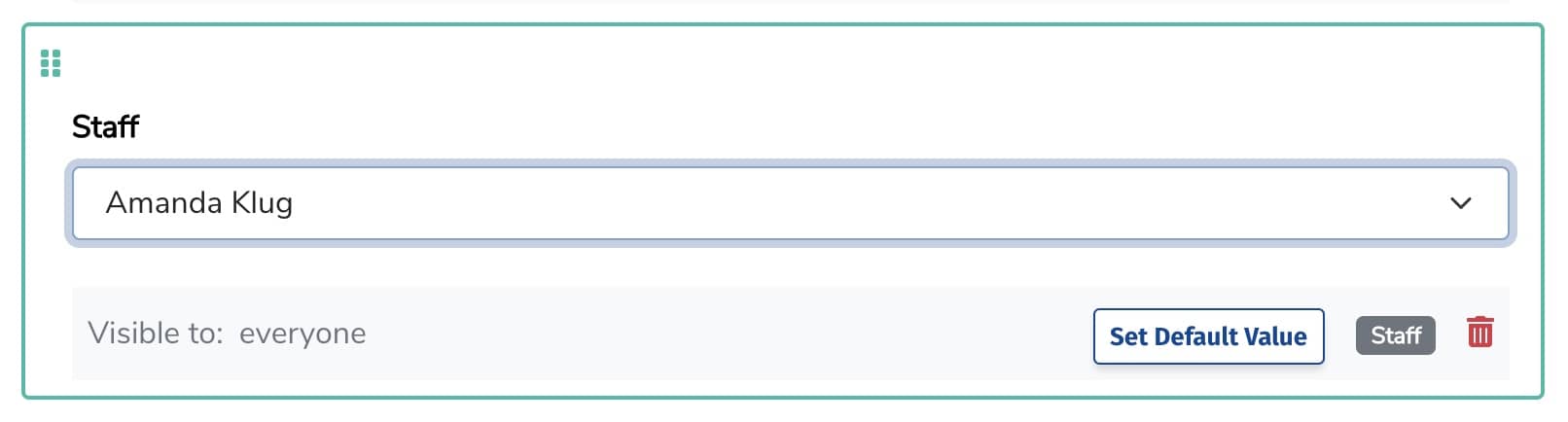
- Use the field dropdown to select the desired default staff/location.
- Click Set Default Value.
- Remember to save your changes!
Still need help?
Our support team answers by phone, email and chat, 9am–5pm EST, on every plan.