
How to translate a form into another language
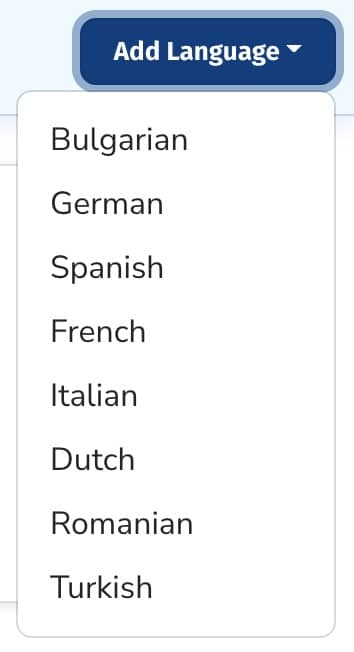
To create a new translation, go to your form > Settings > Languages. Click “Add Language” and choose the language you would like to add.
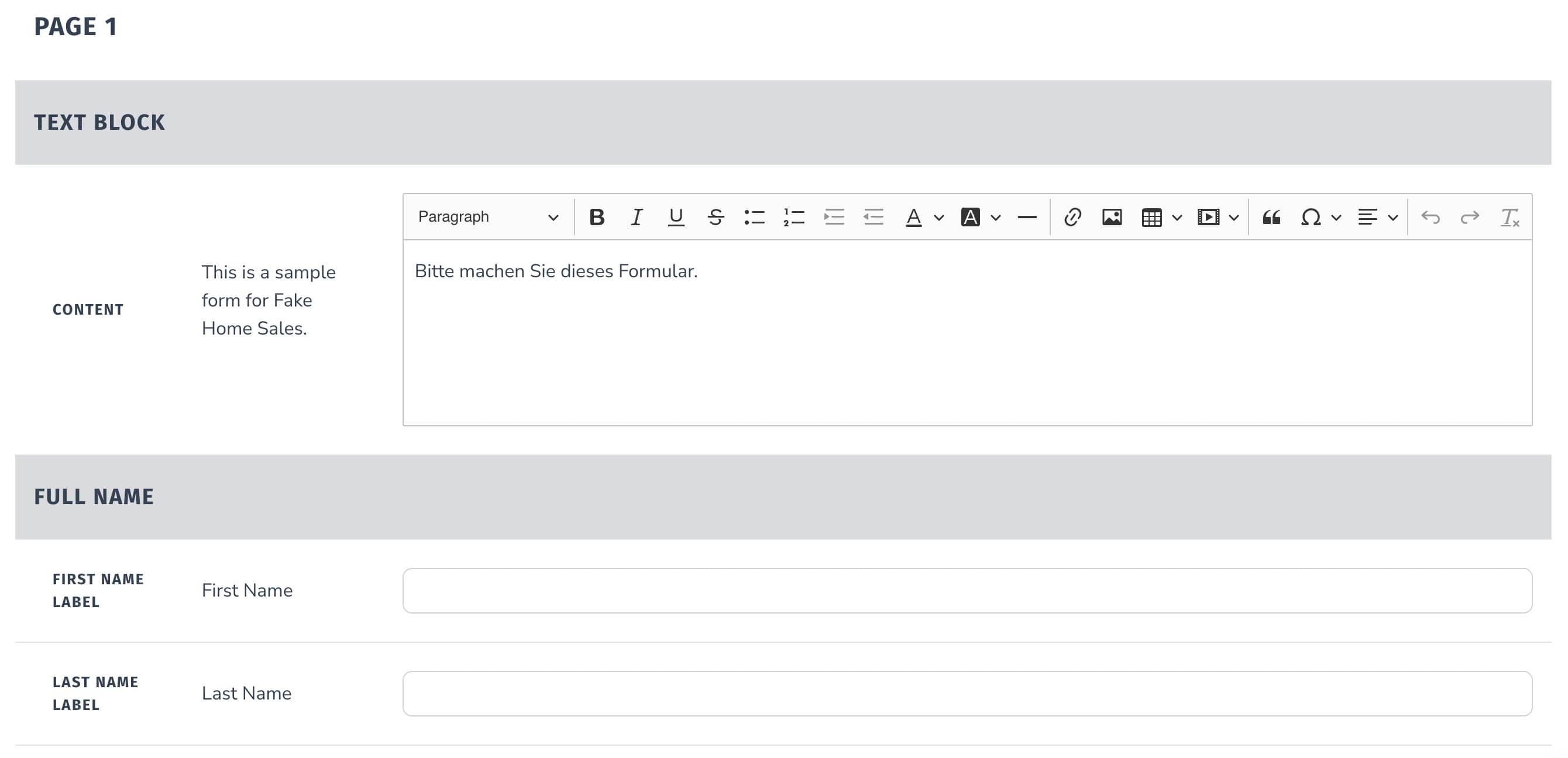
For each field of your form, enter in the desired translation.
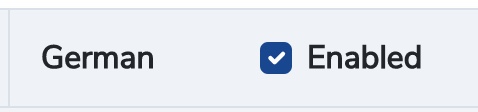
Make sure that the “Enabled” checkbox is checked if you're ready to enable your translation.
Click “Save Translation”.
The translation will now be shown to anyone who has that language set as their browser’s default language.
The video recording widget detects the browser language settings and will adjust to the following languages: French, Spanish, German, Dutch, Italian, Turkish, Portuguese, and a fallback / default of English.
Still need help?
Our support team answers by phone, email and chat, 9am–5pm EST, on every plan.