
What’s New in Boast: Guided Video, Open Captions, and a Fresh Look
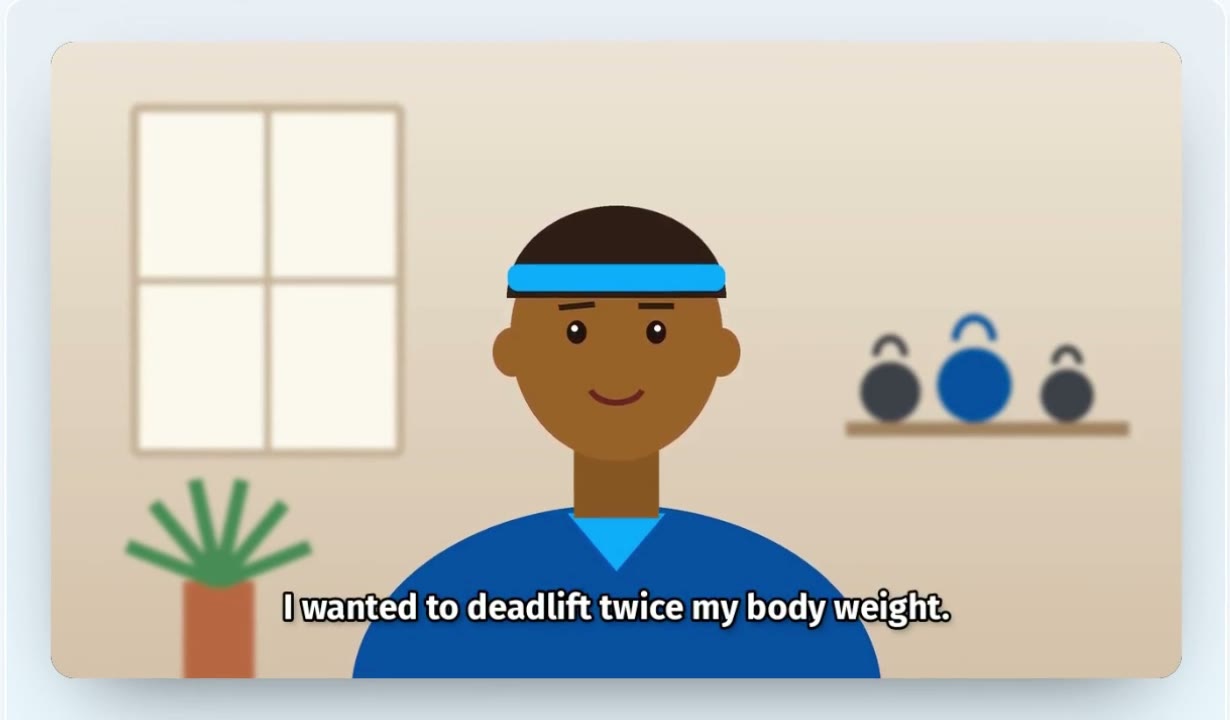
We’ve been busy. Over the past two months we’ve shipped a batch of updates that make it easier for your customers to record a great video testimonial, and easier for you to share it everywhere. Watch the quick tour, then read on for the details.
A Fresh New Look
Boast has a new design. Everything you use lives in the sidebar on the left: your dashboard, responses, forms, widgets, sequences, contacts, and settings, each one click away.
Your dashboard now leads with what needs you. If a response is waiting for review, it’s right at the top, with your collected, published, and needs-review counts and your Boast Score beside it. Your forms, responses, and widgets lists have cleaner, easier-to-scan layouts too.
Teleprompter Prompts
The hardest part of recording a testimonial is knowing what to say. Now you can tell your customers. Add up to 10 questions to any video field, and they’ll see the list before they start and each question on screen while they record.
To add prompts:
- Open your form in the builder and select the video field.
- Under Video - Teleprompter Prompts, type one question per line.
- Save your form.
Guided Recording
With guided recording, your customers answer each question in its own short take instead of one long one. They can play an answer back, redo just that answer, and move on to the next question. Each answer uploads in the background while they record the next one.
When they submit, Boast joins the answers into a single video, with a title card before each answer so viewers know which question is being answered.
To turn it on, add teleprompter prompts to your video field, then check Record one clip per prompt under Video - Guided Recording. Title cards are on by default; uncheck Add a title card before each answer if you’d rather go without.
Camera and Microphone Checks
Before your customer presses record, Boast now checks their camera and microphone. If the picture is too dark, the microphone is muted, or it can’t hear anything, they’ll see a friendly tip, like “Your video looks dark. Try facing a window or a lamp.” The tips never block recording. They just help catch problems before they end up in your testimonial.
If a recording comes out silent or very short, Boast also suggests another take before they submit.
“One of These Is Required”
Some people love being on camera. Others would rather write. Now you can let them choose.
A field’s Required? setting has a new option: One of these is required. Set it on two or more fields on the same page, like your video field and a written feedback field, and your customer only has to fill in one of them. The form tells them, too: “Required, or fill in … instead.”
Open Captions
Most social feeds autoplay video with the sound off. Open captions are drawn right into the picture, so viewers can follow along without sound, and they can’t be switched off.
To turn them on, select your video field in the form builder and check Also render an open-captioned version. Once a video’s captions are generated, Boast makes a captioned copy, and makes it again whenever you edit the captions. Your widgets and public pages use the captioned copy automatically.
You can choose how your captions look under Settings › Account. Pick from Clean, Boxed, Bold Yellow, or Brand Colour, and the preview shows each one. A video field can also use a different style than your account default.
Prefer the standard video for a particular response? Edit the response, and in the Open captions card choose Standard video. You can also download the captioned copy from the response’s Download menu.
Open captions are available on select plans. If the option shows an Upgrade badge in your form builder, get in touch and we’ll help you add it.
Try It Today
All of these updates are live in your Boast account now. Questions? Our help center has step-by-step guides, or contact us and we’ll be happy to help.
 Product Updates
Save Time with Video Editing and Automations, Available Now
We've got exciting new video features to help you edit and level up the videos you collect to engage and convert more customers.
 Product Updates
Now Available: Automatic Video Subtitles, SMS Text Message Sequences to Collect Feedback, and More
The Boast team has been working hard to give you everything you need to easily collect, manage, and display your testimonials and video …
 Product Updates
New Widget Features Including a New Layout, JSON Data Feeds, and Impression Tracking – Plus Form QR Codes and More
The team here at Boast has been hard at work over the past few months, working to bring you some new and exciting features. From widget …