

Boast Knowledge Base
Form Field Descriptions
Primary Fields
- Name
- Mobile Phone
- Feedback
- Headline
- Rating
- Company
- Job Title
- Location
- Staff
- Video
- Photo
- Consent
Content
Additional Fields
- Text Input
- Long Text
- Number
- Multiple Choice
- Checkboxes
- Dropdown
- Date
- Additional Video
- Additional Photo
- Additional Rating
Name
The name field allows the submitter to enter their name. The name entered will be used to create a contact in Boast (if you are also collecting an email or phone number).
Under "Display Type" you can choose to collect the submitter's full name in a single field, or split the field into a First Name and Last Name field.
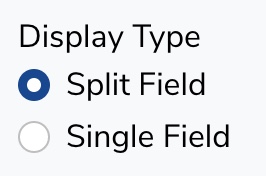
Split Field:

Single Field:

Collect the email address of a submitter. This field is used to find or create a contact in Boast, tying feedback to a contact so you can track their feedback over time.

Mobile Phone
Collect the phone number of a submitter. This field is used to find or create a contact in Boast, tying feedback to a contact so you can track their feedback over time.

Company

Ask submitters what company or organization they are a part of. This information will be stored as part of the submitter's contact.

Job Title

Ask submitters what their job title is. This information will be stored as part of the submitter's contact.

Headline
The headline is a short synopsis of a longer piece of feedback (See "Feedback" field below). You can think of it like a newspaper headline.

Feedback

This field allows for a full review, testimonial or other piece of feedback to be entered.

Rating

Ratings allow your customers to give you a score on how well you performed, how much they enjoyed your service, etc.
You can select the rating system you would like to use under Rating Type.

The available rating types are:
5 Stars
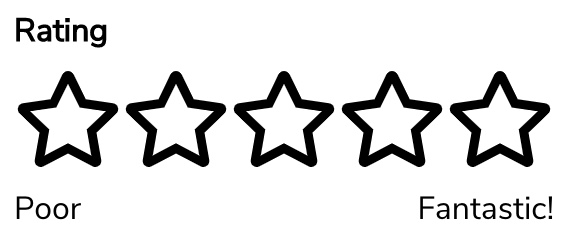
1-10 Rating
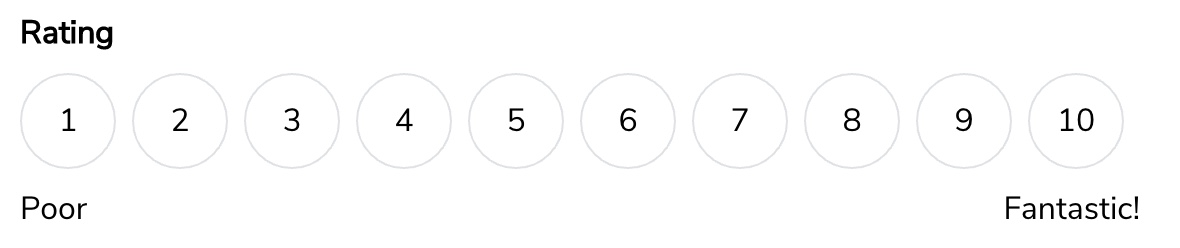
Smileys
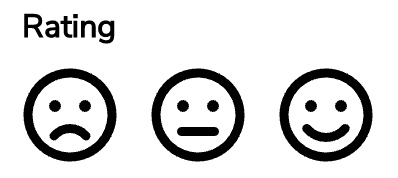
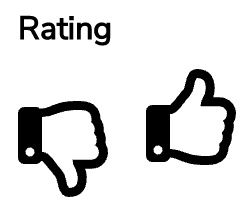
Thumbs Up/Down
NPS Score (0-10 rating)

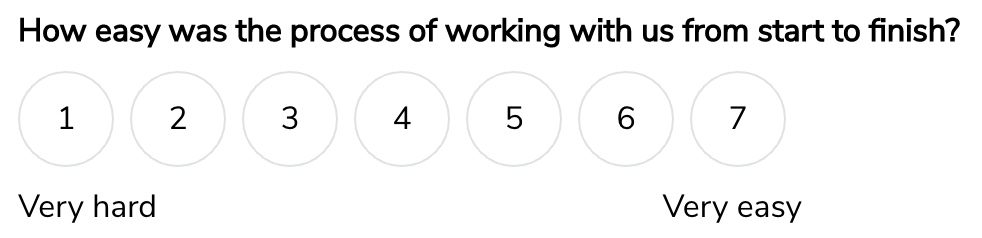
CES (1-7 rating)
CSAT (satisfaction scale)

For each rating type, the Low Rating Label and High Rating Label can be adjusted.

Location

You can separate feedback based on location. For example, if you are a real estate agency and have 3 different office locations, customers can select the office they are giving feedback for.
Feedback for a certain location can be separated from other feedback and displayed using a widget. If your agency has a website page for each location, you could add that location's feedback to its website page.

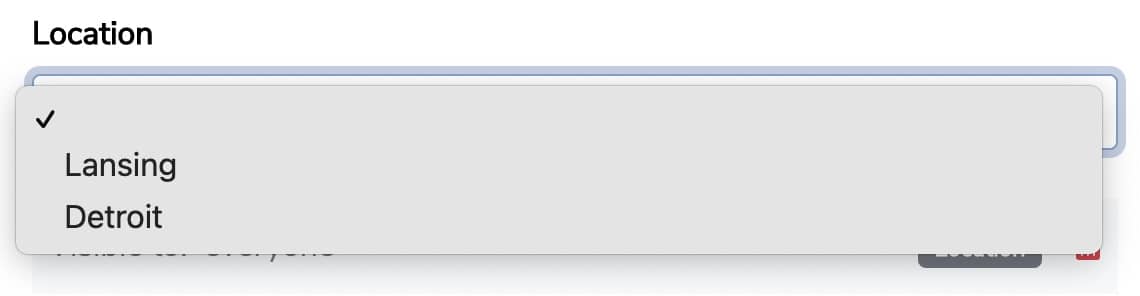
A default location can be selected by using the field dropdown.
Staff
Staff are your own human staff that work at locations. If your business is a real estate agency, your staff would be your real estate agents. Feedback can be given for a specific agent.
Once feedback for a staff member is received, you can display their feedback in a widget separate from other feedback.

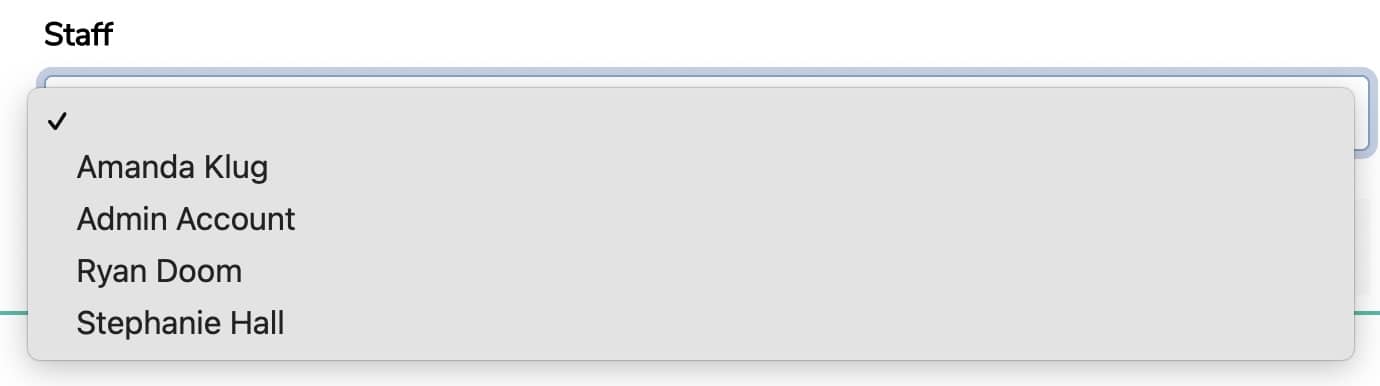
A default staff member can be selected by using the field dropdown.
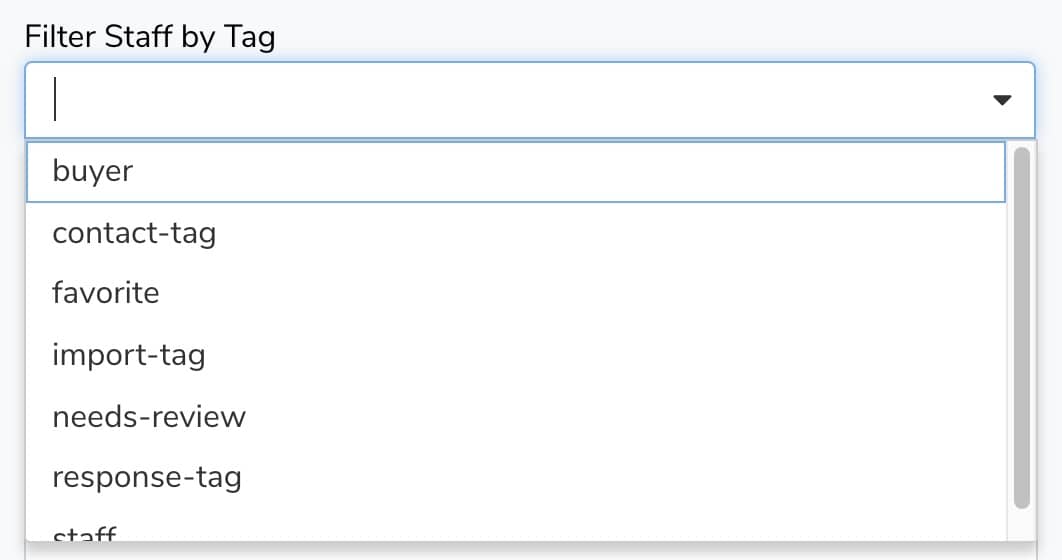
The staff available to select can be filtered by tag.
Video

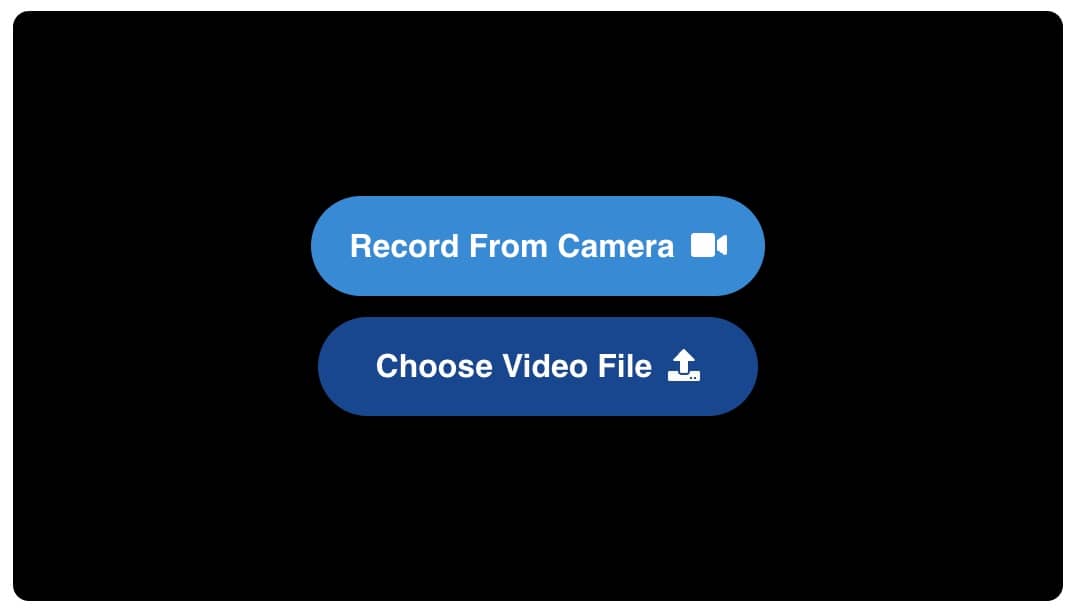
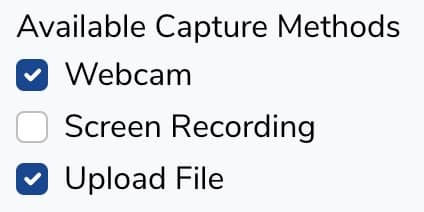
Videos can be collected on both desktop, tablet, and mobile. Users have the option to record a video live, record their screen, or upload a video they recorded previously.
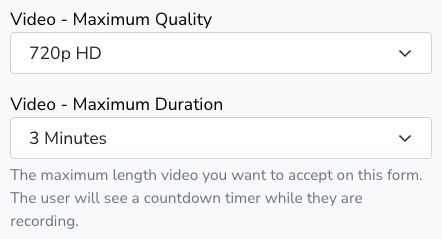
You can select the maximum recording quality and time for the video.
You can also include or exclude video capture methods.
Photo
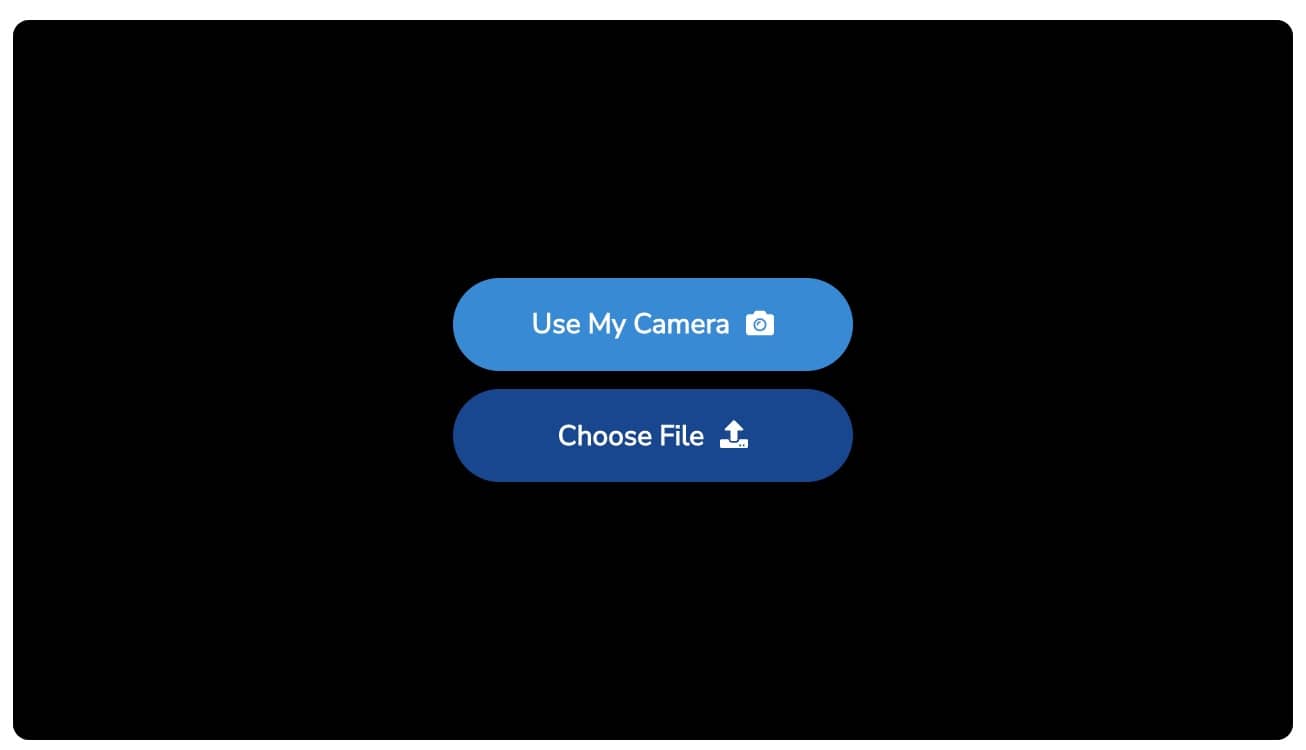
Photos can be taken directly with the Boast form, or a previously captured photo can be uploaded.
Consent

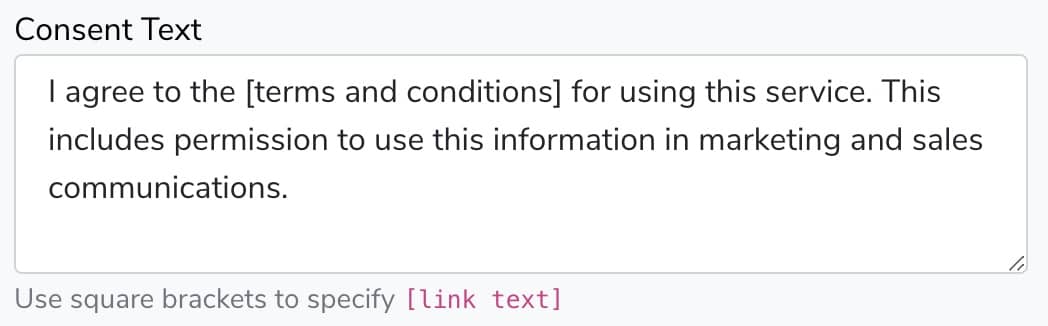
It's important to receive consent from your customers if you plan on using their feedback in any public-facing way, such as on your website or in other marketing materials.

The consent text can be edited. Unless you are on a Premium plan, you will still need to link to the standard Boast terms and conditions. That link can be incorporated by surrounding text in square brackets [].
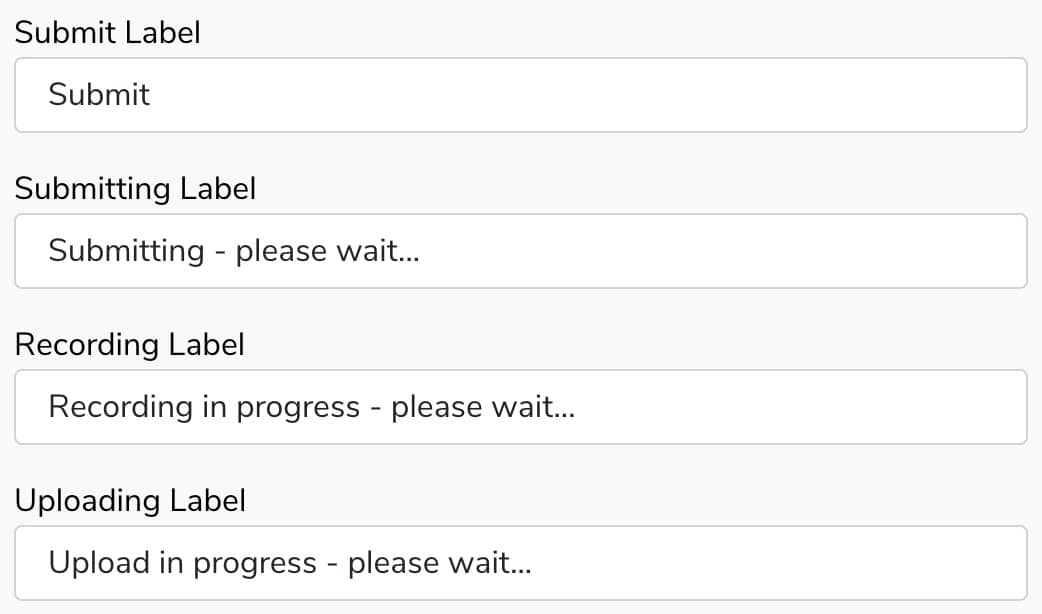
Submit Button

You can create a submit button with custom text.

Text Block

Use a text block to provide extra information for your customers as they fill out the form. The text block field supports links, images, videos, and more.

Text Input

Collect any additional information that you would like using a text input.

Long Text

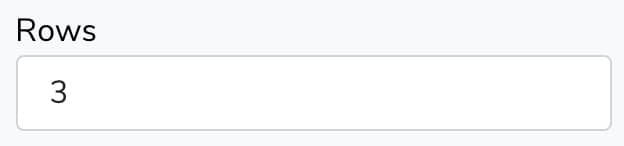
Asking a more detailed question? Use a long text field to give users a large space to write in.

Update how large the field is by changing the number of rows.
Number

If you're asking for information that needs to be validated as a number (quantity, price, age, etc), the number field is for you.

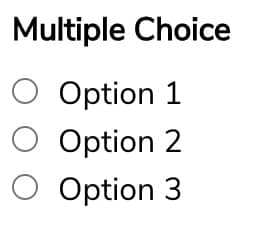
Multiple Choice

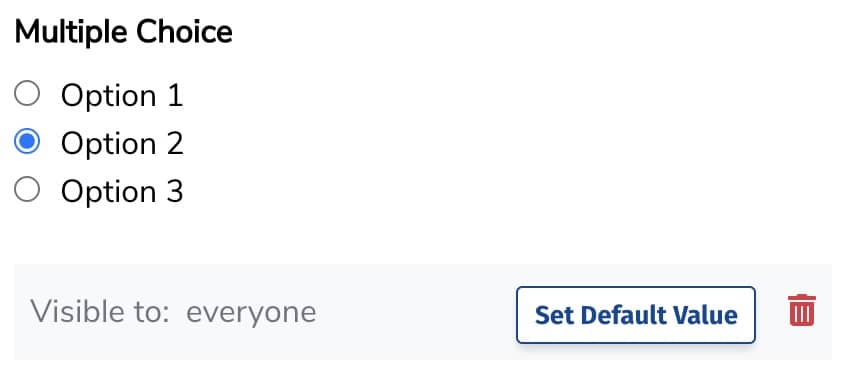
Give users a list of choices and allow them to choose one.
Add multiple choice options in the Choices box, one choice on each line.
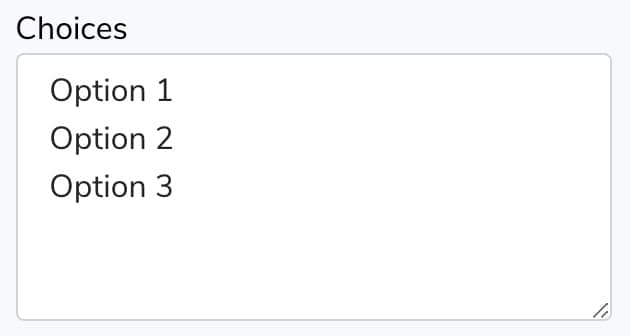
Select a choice by default by clicking on an option and then clicking Set Default Value.
Checkboxes

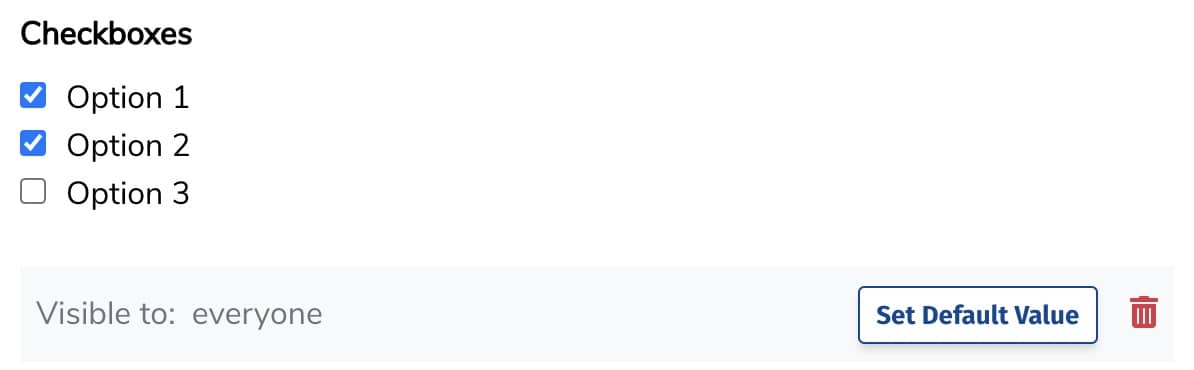
Give users several options and allow them to choose one or multiple.
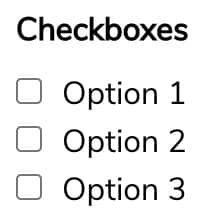
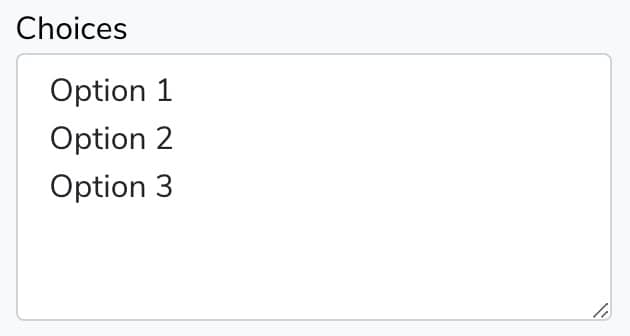
Add checkbox options in the Choices box, one choice on each line.
Select a choice by default by clicking on an option and then clicking Set Default Value.
Dropdown

Allow users to choose from a dropdown of options.
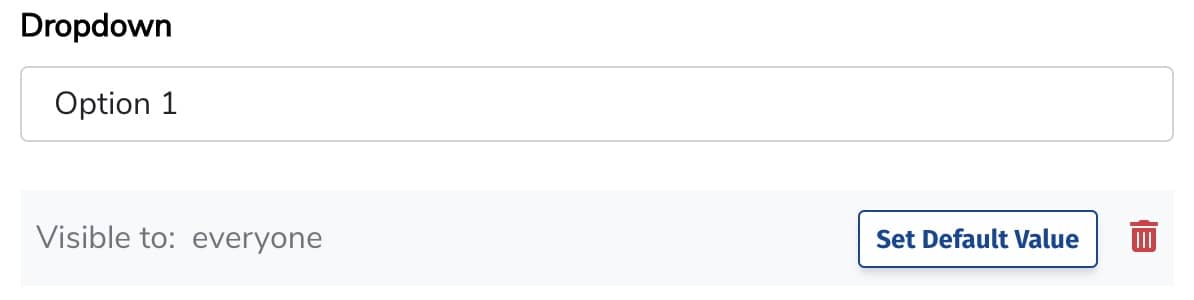
Add dropdown options in the Choices box, one choice on each line.
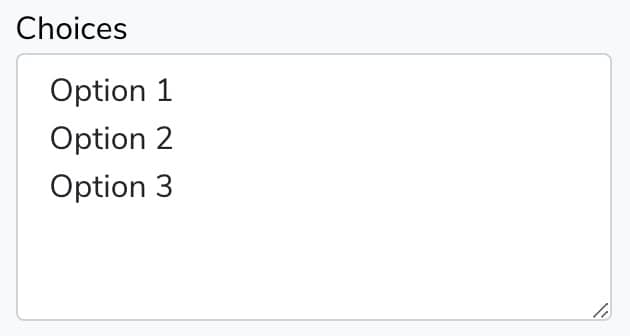
Select a choice by default by clicking on a dropdown option and then clicking Set Default Value.
Date

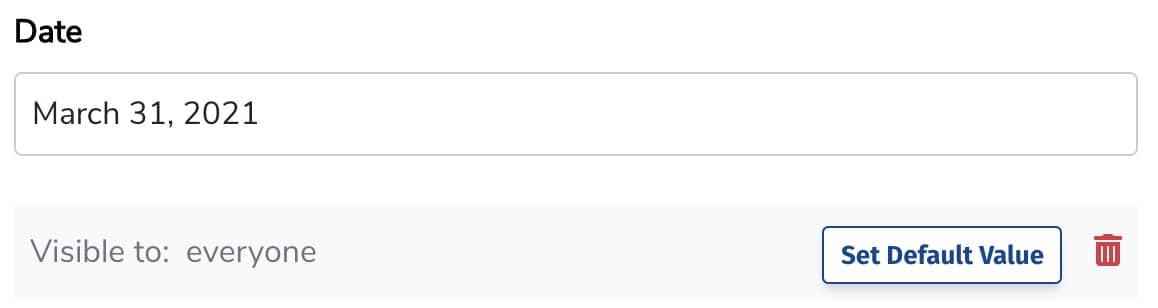
Select a date using a calendar.
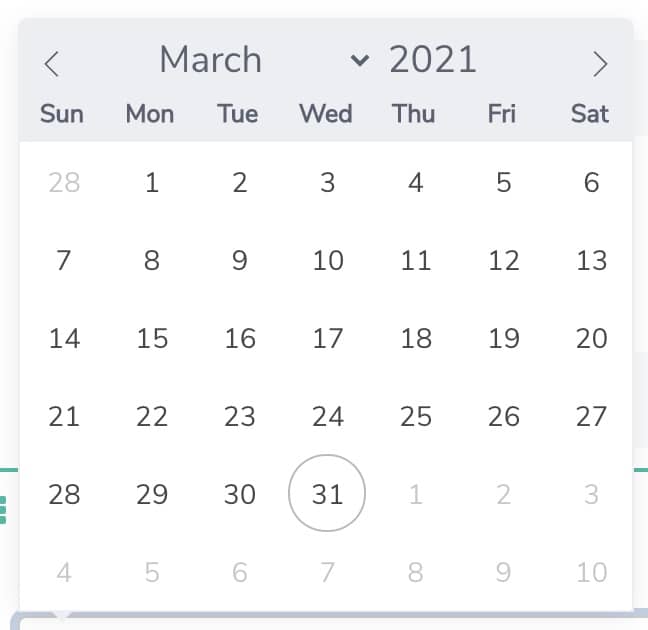
Set a default date by selecting a date and then clicking Set Default Value
Additional Video

Collect additional videos. This is helpful if you'd like to collect several shorter videos, each answering a certain question, instead of one long video.
Additional Photo

Collect as many photos as you'd like. If you have completed a project for a client, you may ask them for photos of several different aspects of the project (indoor/outdoor, front and back, etc)
Additional Rating

Get multiple ratings for different aspects of your business or project. For example, you could ask for your client to rate your timeliness, professionalism, helpfulness, and overall experience.
One tool with everything you need to leverage social proof to grow your business.
Meet the companies collecting video testimonials with Boast


Chicago Helicopter Experience Case Study

CommonSense American Case Study

Consulting Success Case Study

Family Chiropractic Center for Wellness Case Study

GoForClose Case Study

Growth Marketing Pro Case Study

National Grid Case Study

North Face Endurance Challenge Case Study

OneTrust Home Loans Case Study

Pure Energy Window Company Case Study

Republican Voters Against Trump Case Study

Savvy + Co Real Estate Case Study

Sedera Case Study

Seth Godin Case Study

Sonic Relief Case Study

Vivir al Máximo Case Study
Who Uses Boast?
Boast was originally designed to help B2B companies improve their processes for collecting testimonials and showcasing them on their websites, but it didn’t take long to realize that the Boast apps have far more potential. Check out some of the ways people are using below.

Real Estate

Health & Wellness

Software Companies

Creators & Consultants

Non-profit, Association & Advocacy

Financial Services

Agencies