

Boast Knowledge Base
How do I share my form?
To share your form:
- Navigate the the Forms page
- Locate the form you wish to share and click "Share"
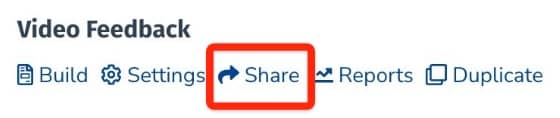
Or, if you are already editing the form, click "Share" in the left sidebar:
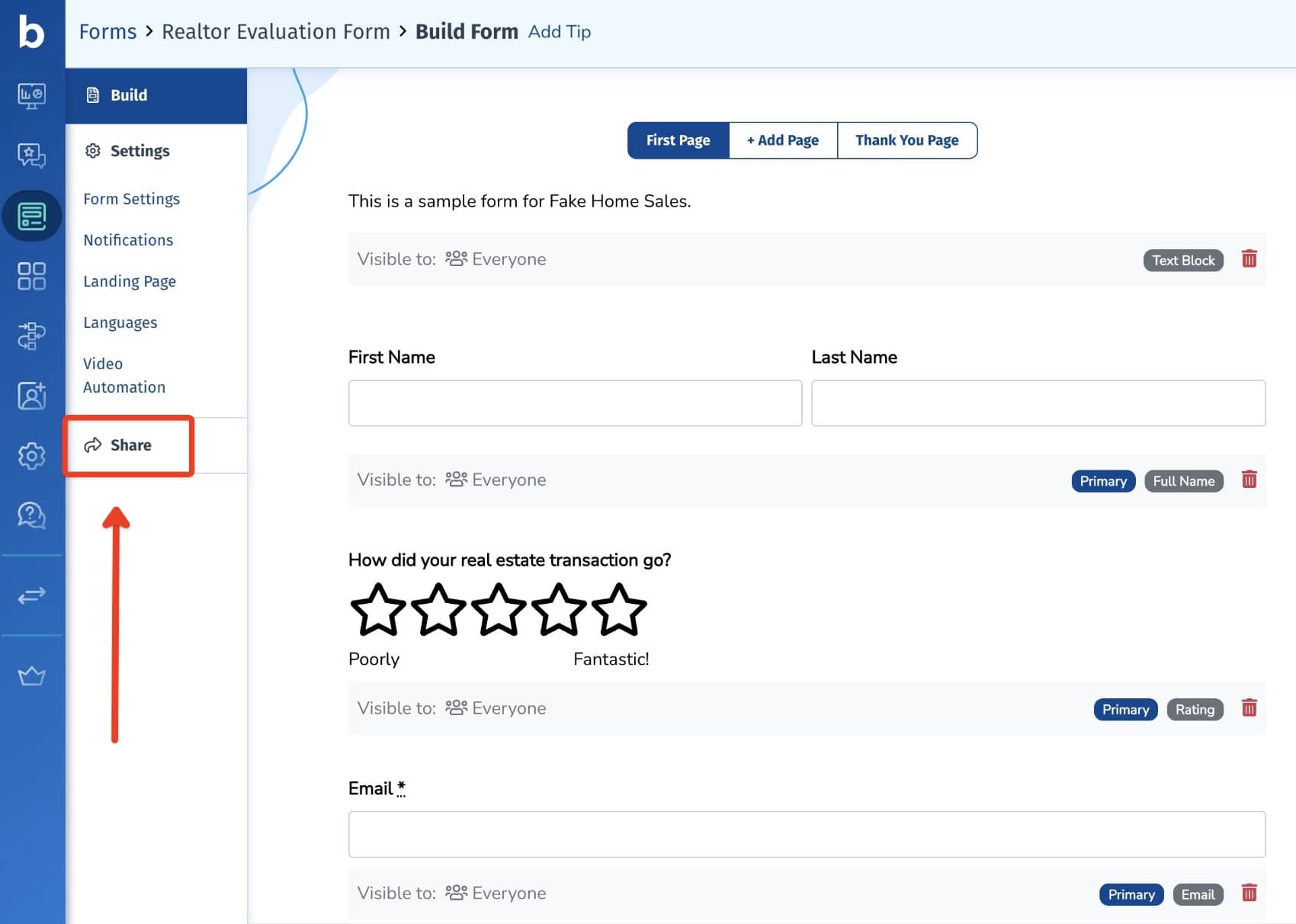
You can share your form in several different ways.
Landing Page
A shareable link you can send to your audience. This is a great option if you want to start collecting feedback right away or don't have a website.
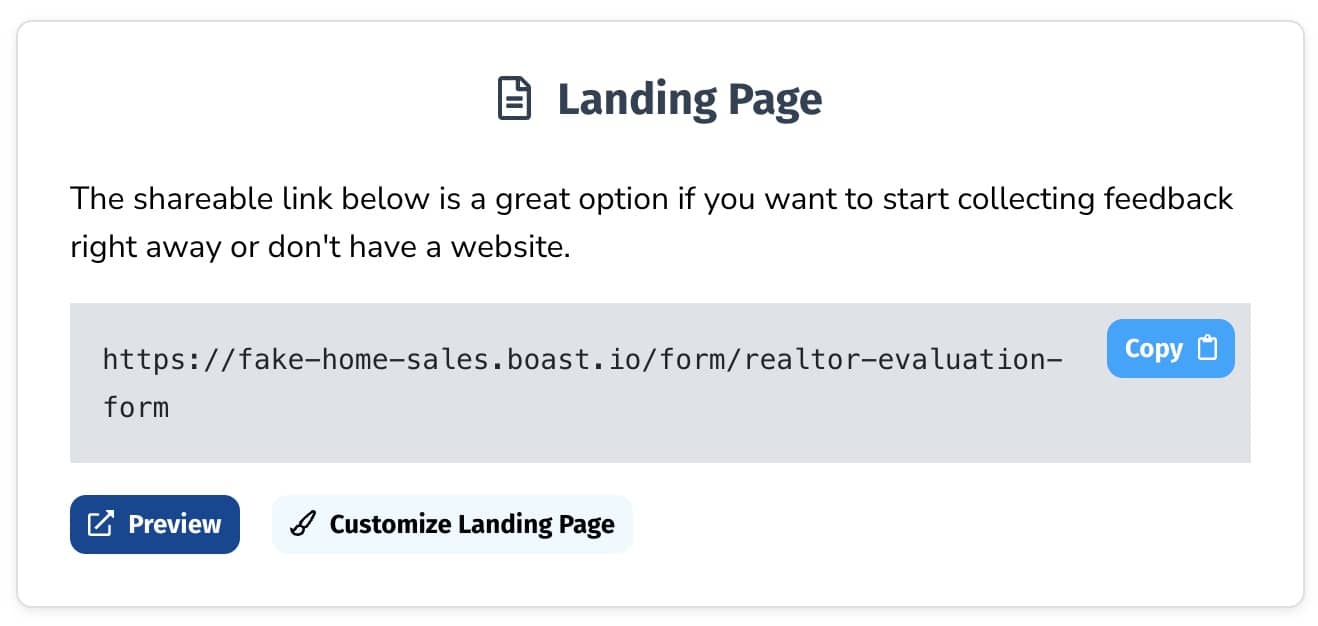
To customize your landing page, click the "Customize Landing Page" button, or go to the form Settings > Landing Page.
Send Requests Through Boast
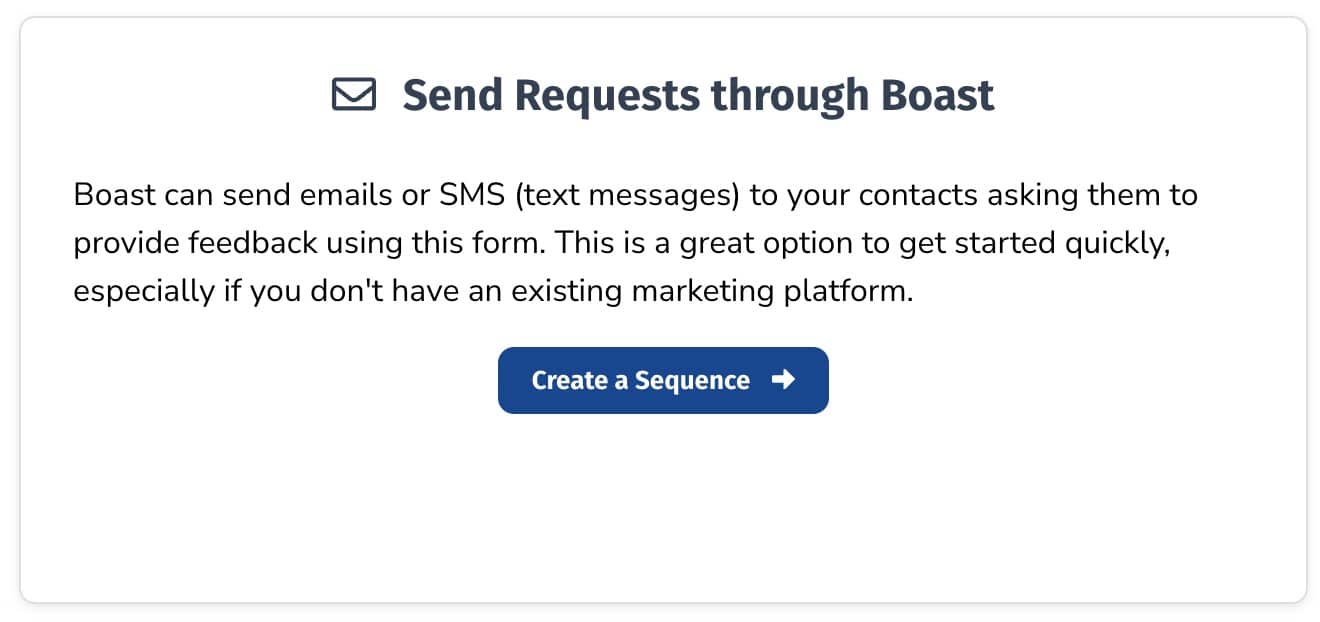
Boast can send emails or SMS (text messages) to your contacts asking them to provide feedback using your form. This is a great option to get started quickly, especially if you don't have an existing marketing platform.
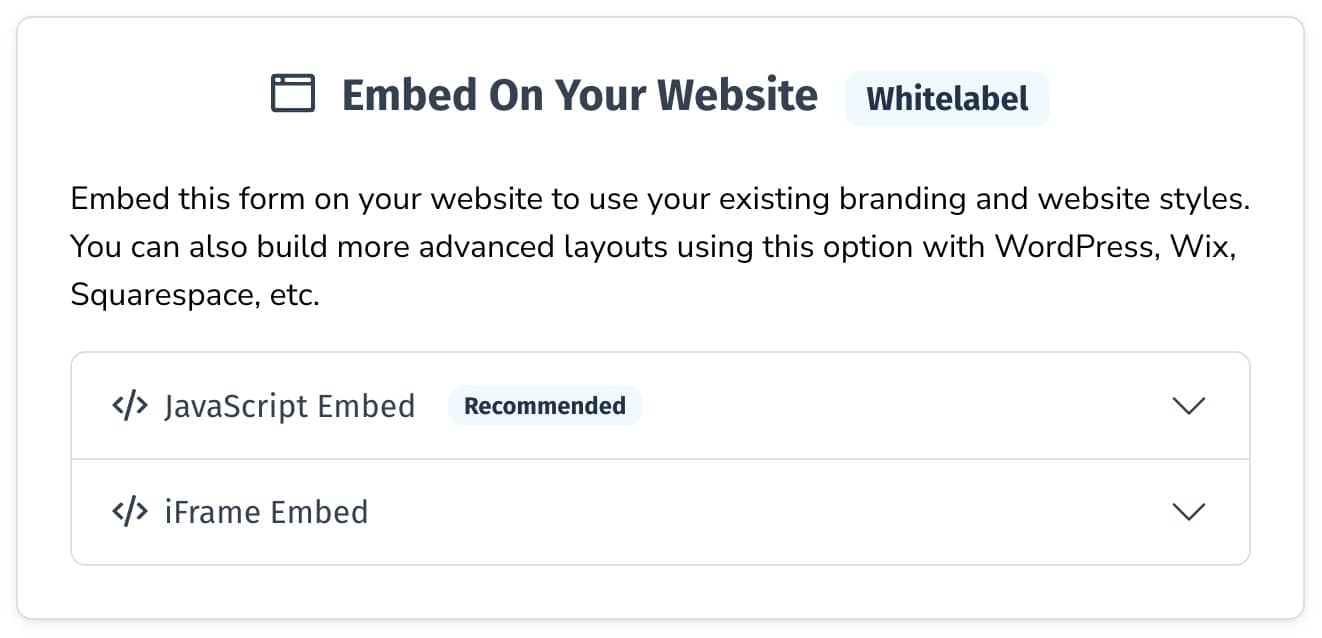
Embed On Your Website
Embed your form on your website to use your existing branding and website styles. You can also build more advanced layouts using this option with WordPress, Wix, Squarespace, etc.
We recommend using the JavaScript embed, but if your website does not support JavaScript, you may need to use the iFrame embed.
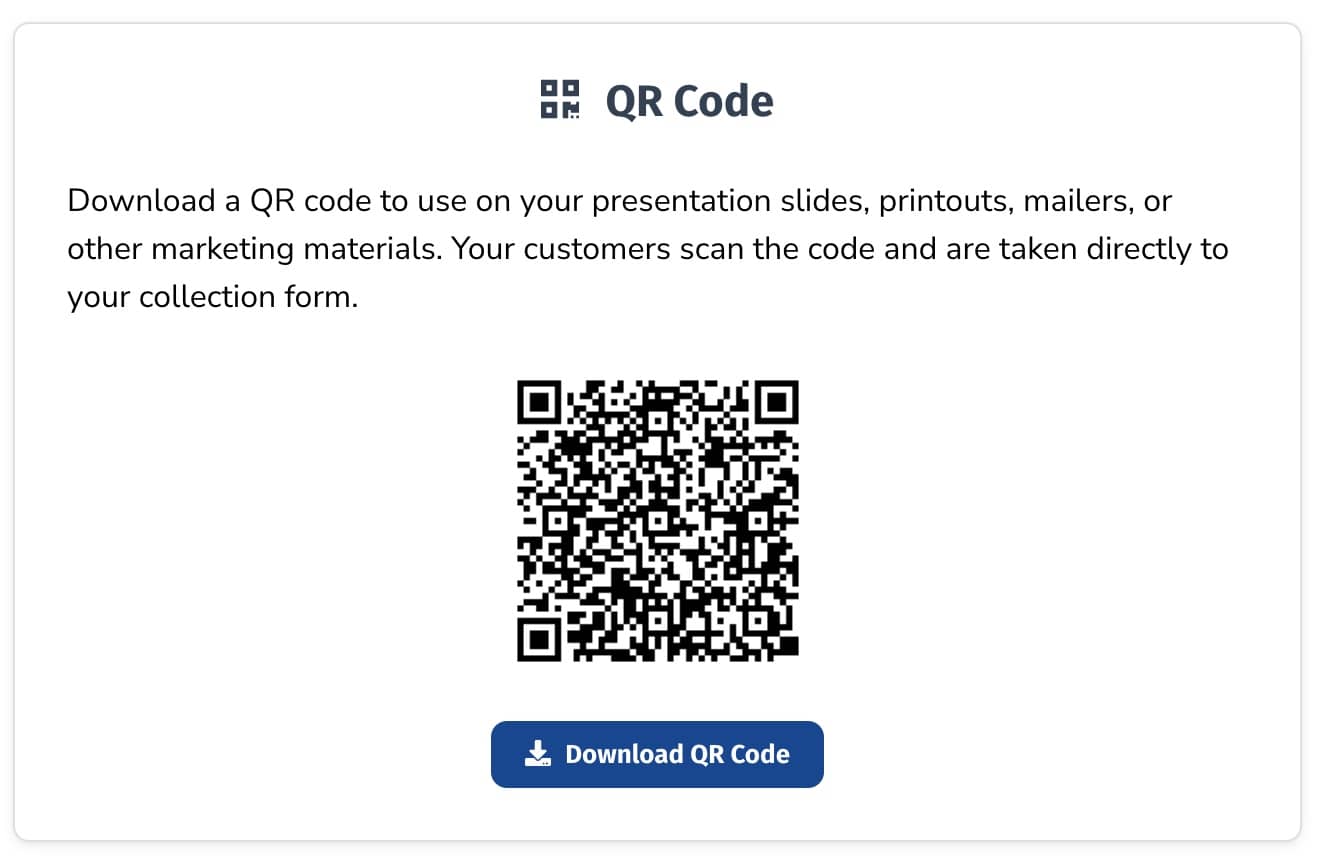
QR Code
Download a QR code to use on your presentation slides, printouts, mailers, or other marketing materials. Your customers can scan the code with their mobile phone and be taken directly to your collection form.
One tool with everything you need to leverage social proof to grow your business.
Meet the companies collecting video testimonials with Boast


Chicago Helicopter Experience Case Study

CommonSense American Case Study

Consulting Success Case Study

Family Chiropractic Center for Wellness Case Study

GoForClose Case Study

Growth Marketing Pro Case Study

National Grid Case Study

North Face Endurance Challenge Case Study

OneTrust Home Loans Case Study

Pure Energy Window Company Case Study

Republican Voters Against Trump Case Study

Savvy + Co Real Estate Case Study

Sedera Case Study

Seth Godin Case Study

Sonic Relief Case Study

Vivir al Máximo Case Study
Who Uses Boast?
Boast was originally designed to help B2B companies improve their processes for collecting testimonials and showcasing them on their websites, but it didn’t take long to realize that the Boast apps have far more potential. Check out some of the ways people are using below.

Software Companies

Creators & Consultants

Non-profit, Association & Advocacy

Financial Services

Agencies

Real Estate

Health & Wellness